 |
 |
 |
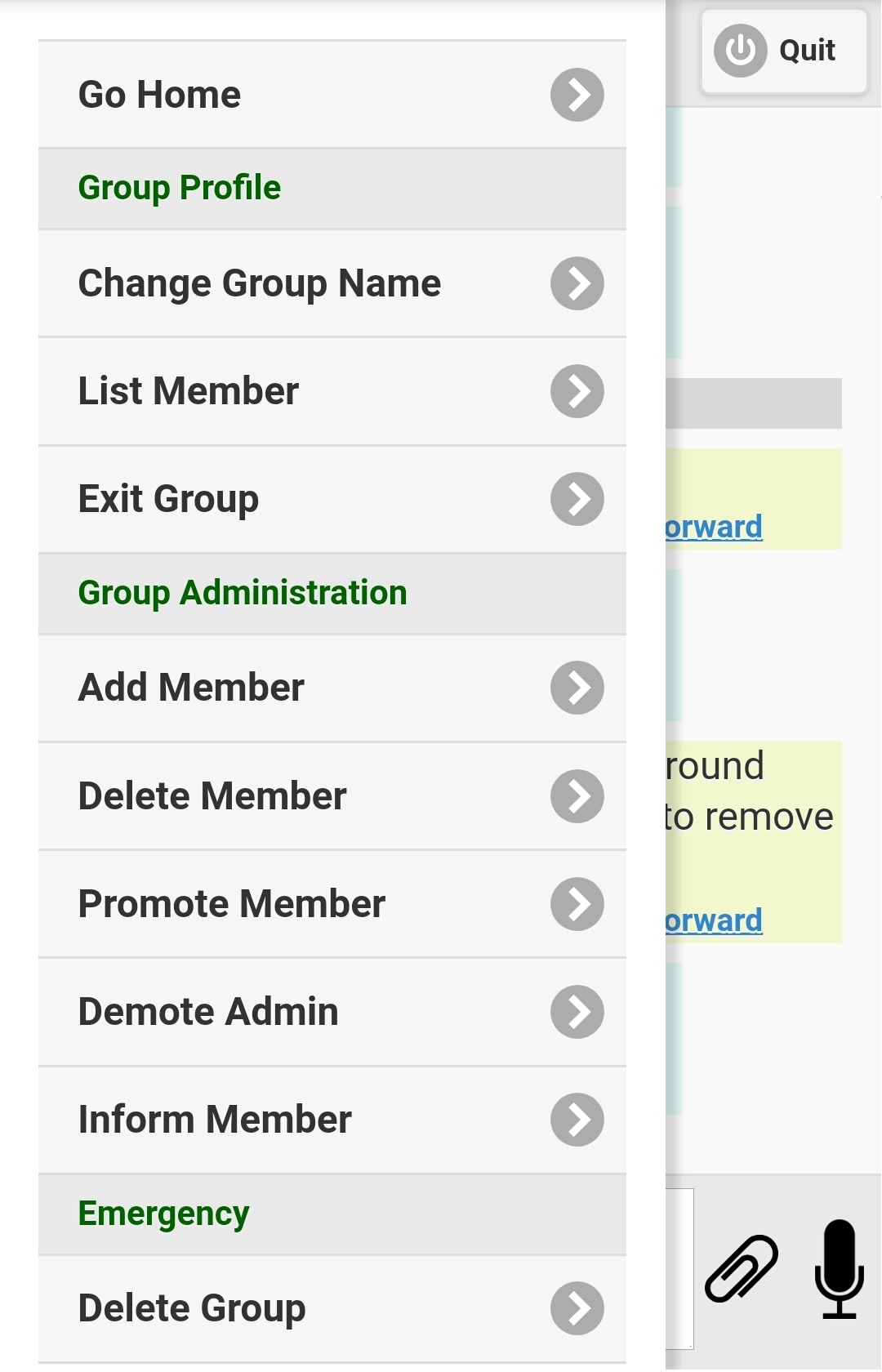
Figure 3.3.1
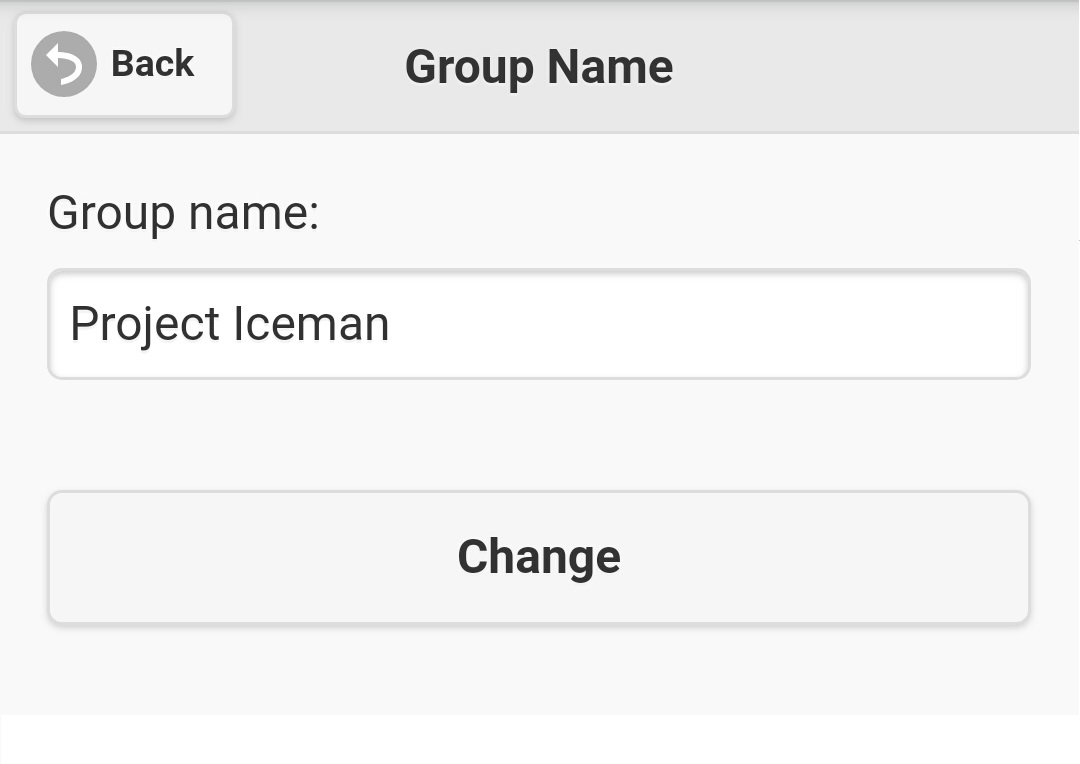
Figure 3.3.2
|
|
|
|
|||
| 3.3 Change group name | |||
| To change name of a message group, enter this message group from the home page. After you enter the message group, click 'Setup' button on left upper corner, group menu like figure 3.3.1 will be displayed. Note: If you are not group administrator or system administrator, items under 'Group Administration' and 'Emergency' will be hidden for you. | |||
Figure 3.3.1 |
|||
| On the group menu, click 'Change Group Name' item, screen like figure 3.3.2 will be shown. Just input the new group name on the field, and press the 'Change' button to update it, or click on the 'Back' button on left upper corner to cancel operation. | |||
Figure 3.3.2 |
|||
|