 |
 |
 |
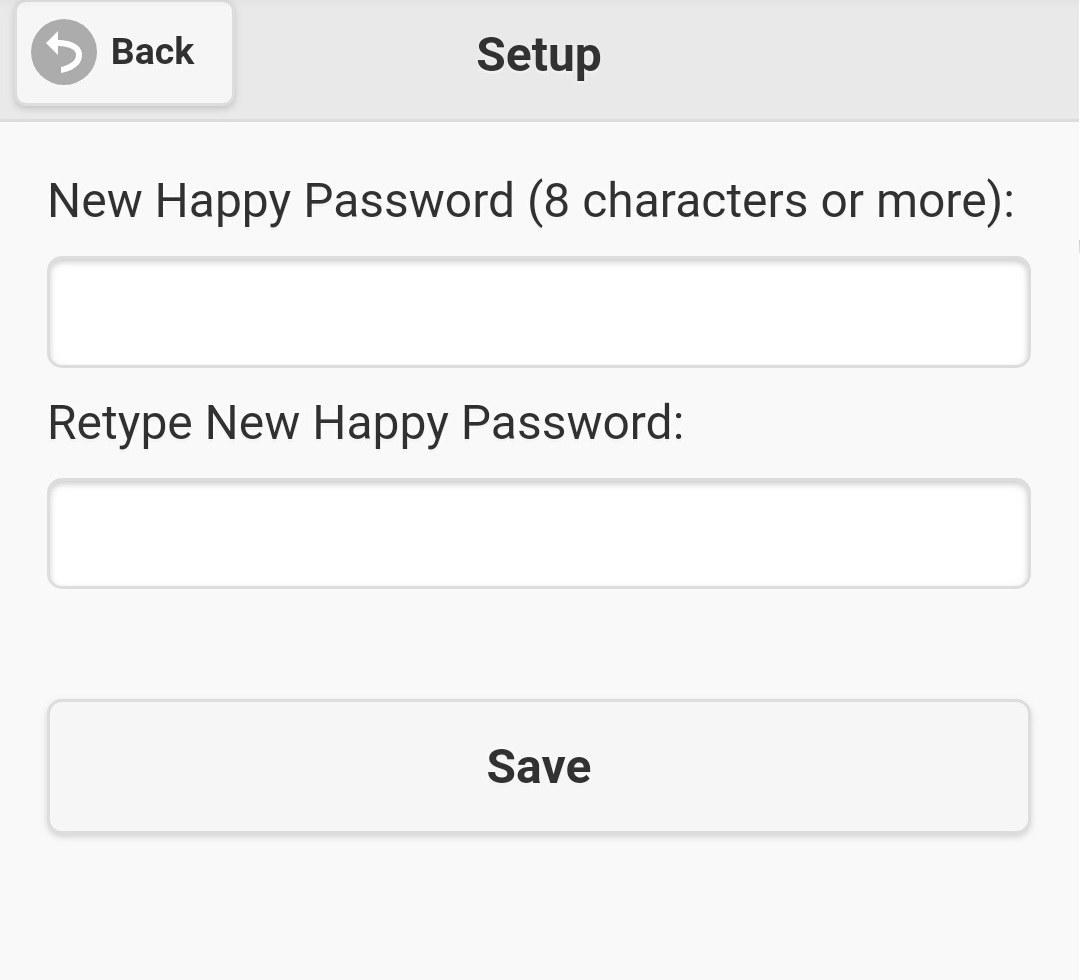
Figure 2.5.1
|
|
|
|
|||
| 2.5 Change your happy password | |||
| Click on 'Happy Password' on the main menu, screen like figure 2.5.1 will be shown. Input your new happy password twice, and click the 'Save' button to update your happy password, and it will be effective immediately. The only constraint of happy password is it's length, it must be 8 characters or more. Like common password convention, it is case sensitive. | |||
|
Figure 2.5.1 |
|||
|