If Telegram bot for notification has already configured (See section 4.6.6 Telegram bot for details), you will see item 'Telegram ID' on the main menu.
Telegram is another instant messaging application, and it has built-in notification function. SMS uses it for more quicker way to inform SMS users
when they have new messages. Although most email applications also have built-in notification function, it is strongly advise SMS users don't use
them due to security reason, unless Telegram can't be used (see section 5.4 secure your email account).
As you decide to use Telegram to help you, please make sure it won't bring you into trouble. That means you must make sure: (1) Telegram is legally
used in your country, and (2) Telegram installed in your device won't let you look suspicious by government agents. If anything is in doubt, don't use
it.
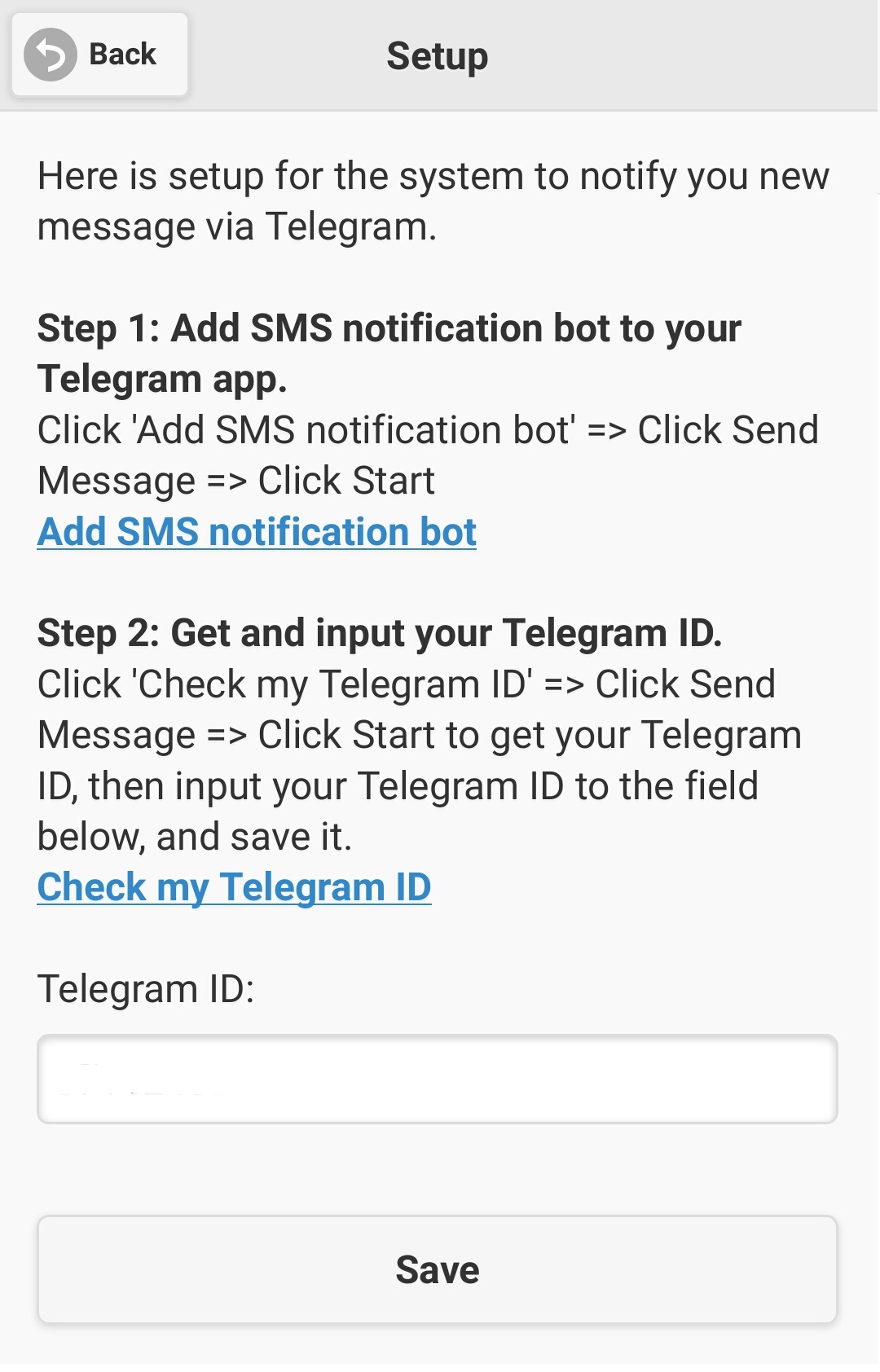
To let Telegram be your SMS notification worker, it has two steps setup to do (as figure 2.4.1 shown).
|
The first step is that you need to install your SMS notification bot to your Telegram. Click on the link 'Add SMS notification bot', a web page
will show up in your default web browser, in there, it has a green button called 'SEND MESSAGE', click on it then it will add a new Telegram group
into your Telegram application with your notification bot name, and you should make sure notifications of this group is on. Then, click on the link
'Check my Telegram ID' on step 2, also click on the button 'SEND MESSAGE', it will add you another Telegram group named 'What's my Telegram ID?',
in there input '/start' then send, it will show you your Telegram ID, and you put this value into the field of Telegram ID, and click the 'Save'
button. This is it, SMS will then inform you via Telegram as you have new messages.
|