 |
 |
 |
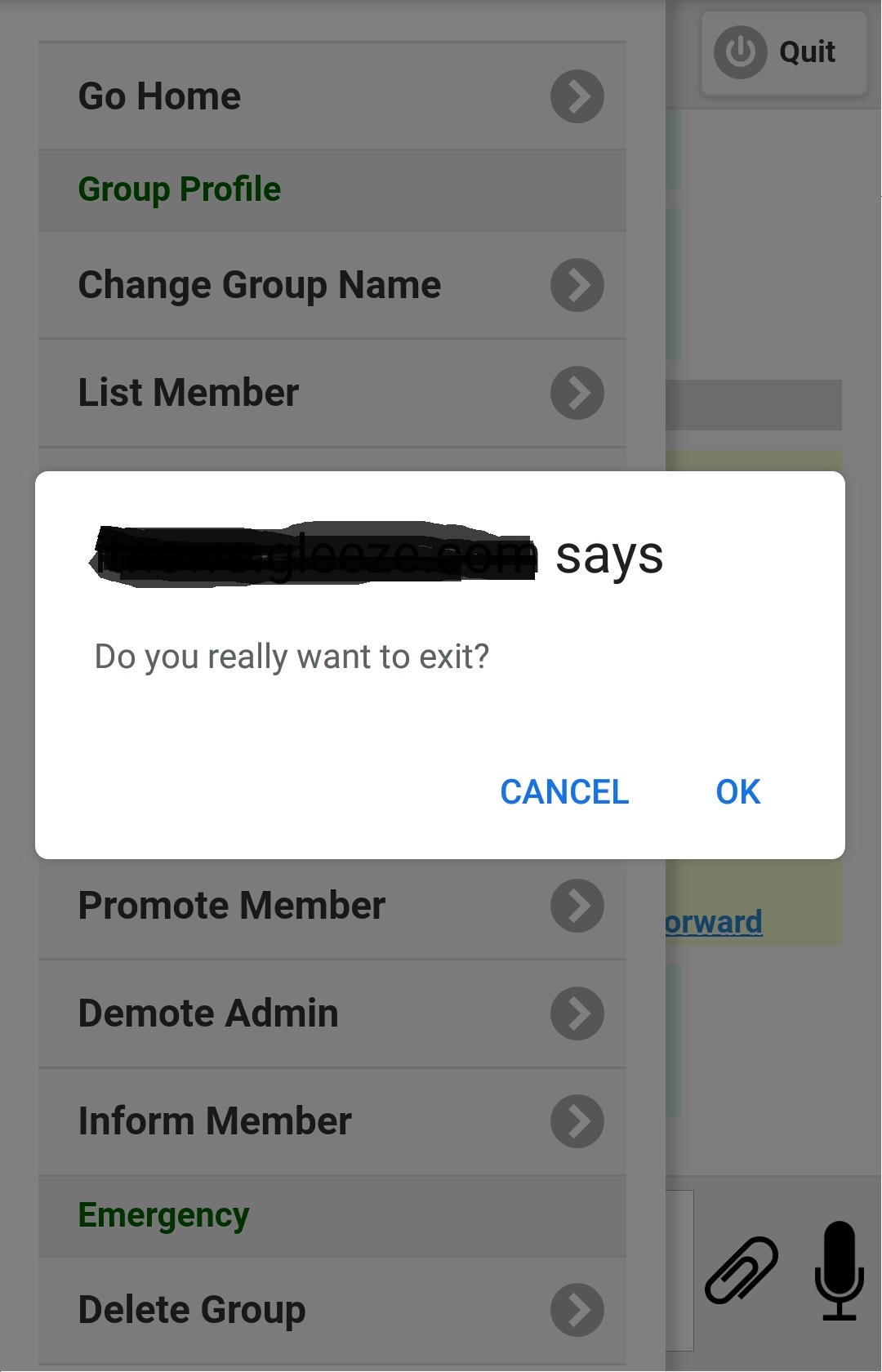
Figure 3.5.1
|
|
|
|
|||
| 3.5 Exit message group | |||
| If you want to exit a message group, select item 'Exit Group' on group menu (figure 3.3.1), screen like figure 3.5.1 will be shown. Press 'OK' then you will be asked to confirm your decision, press 'OK' again you will exit the current message group, and you will be returned to the home page of messaging site. | |||
Figure 3.5.1 |
|||
|