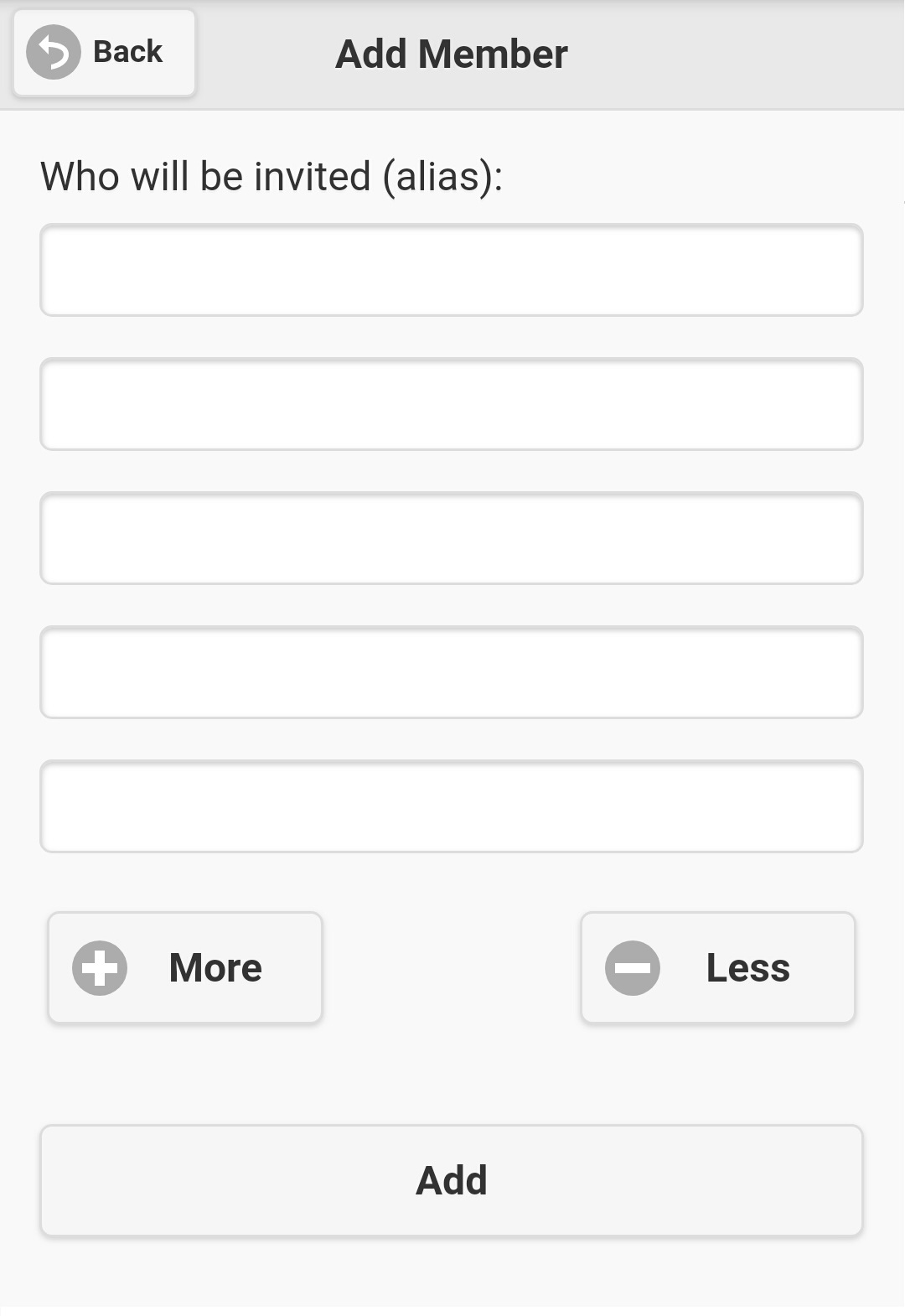
If you are group administrator or system administrator, you have right to add new member(s) to a message group. Select 'Add Member' on group menu (see
figure 3.3.1), screen like figure 3.6.1 will be displayed. Initially, there are 5 input fields for you to invite new group member(s), if you need more
input field(s), click on 'More' button to add more input field(s). All empty input field(s) will be ignored as you click the 'Add' button, so you don't
need to remove extra input field(s). However, if you wish, you could remove extra input field(s) by using 'Less' button.
As usual, you need to know alias of invited users in order to add them to a message group. After you input all newly invited users, click 'Add' button
to save your result. If the process successes, you will find new member(s) on the group member list.
|