|
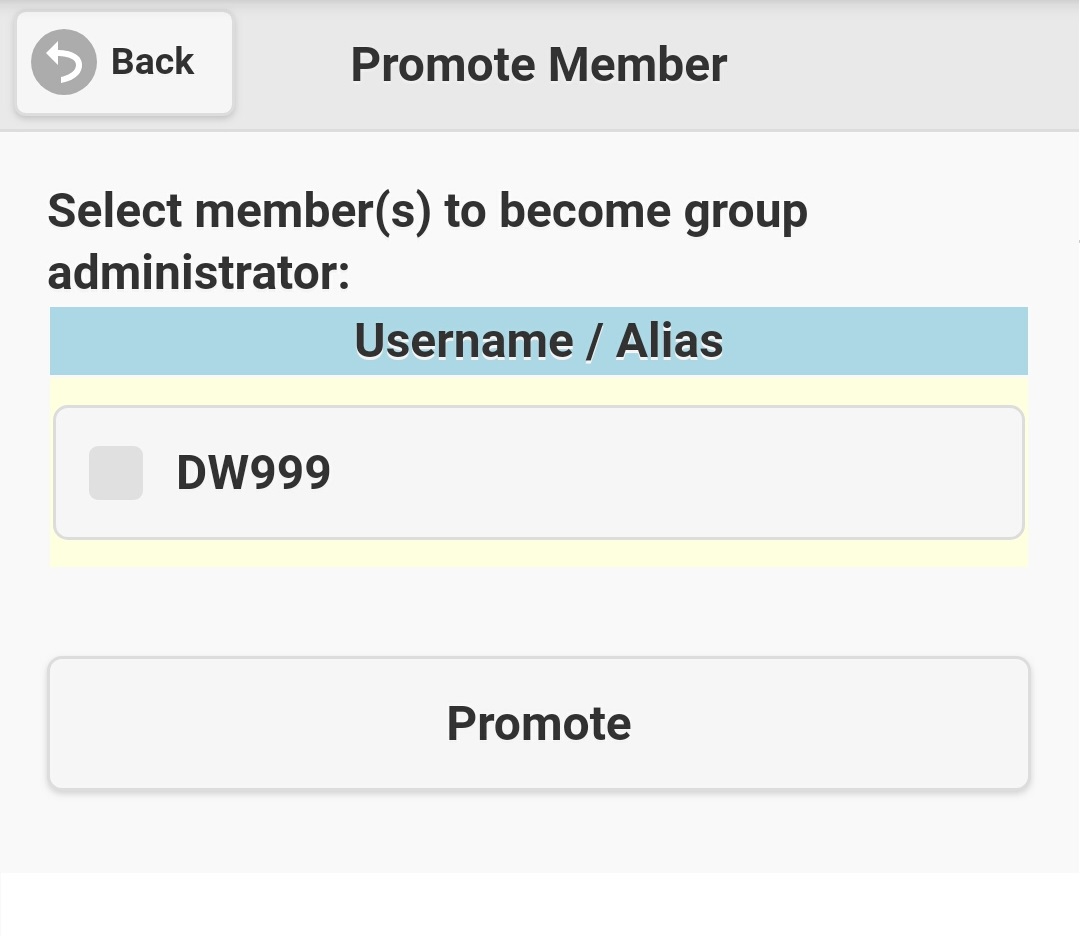
If you are group administrator or system administrator, you have right to promote common group member to group administrator. Note: A message group can
has multiple group administrators. Select 'Promote Member' on group menu (see figure 3.3.1), screen like figure 3.8.1 will be displayed. All common
members will be listed out, just select the check-box in front of the member(s) you want to promote, and then click the 'Promote' button. If the process
successes, promoted member(s) will be shown on the group member list as 'Group Admin'.
|