|
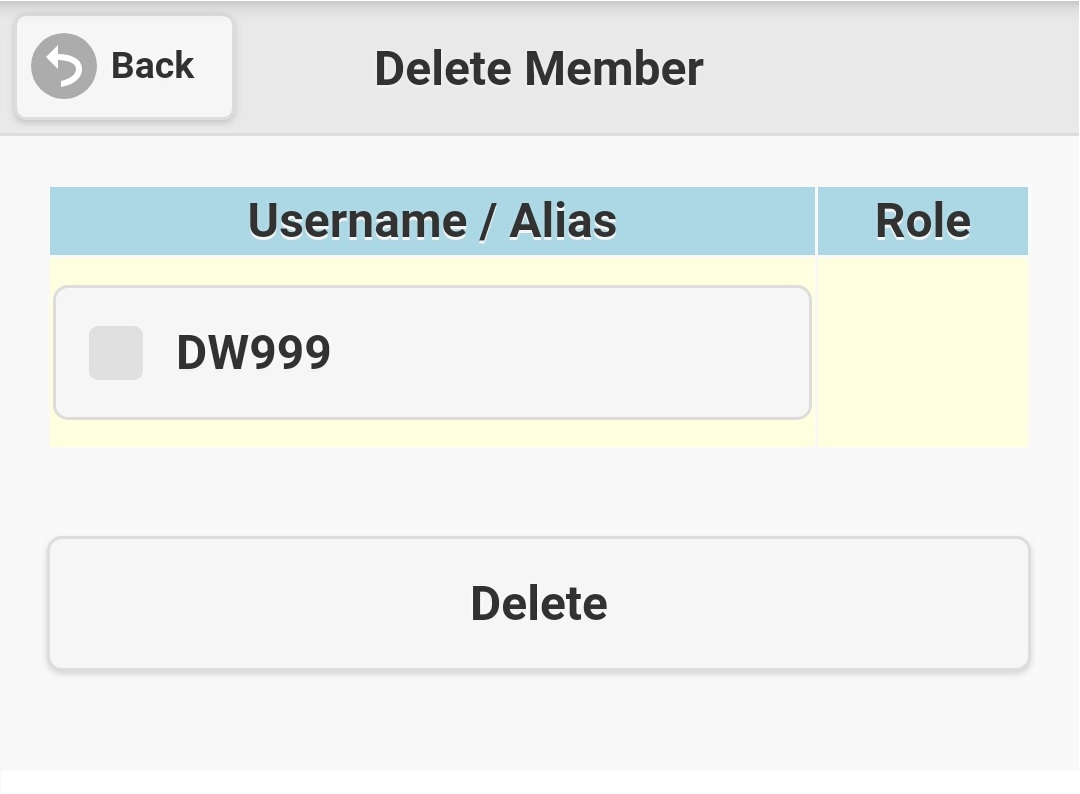
If you are group administrator or system administrator, you have right to delete member(s) of a message group. Select 'Delete Member' on group menu (see
figure 3.3.1), screen like figure 3.7.1 will be displayed. All members except yourself will be listed out, just select the check-box in front of the
member(s) you want to kick out from the message group, and then click the 'Delete' button. If the process successes, deleted member(s) will not be shown
on the group member list. Please note that messages sent by deleted members still retain on the message group, but those messages will be indicated that
their senders are non-members.
|