 |
 |
 |
Select item 'Destroy System' on main menu (figure 2.1.2), then a pop-up dialog box will appear like figure 4.7.1, click on the 'OK' button, another pop-up dialog box will show up for your final decision. If you also click the 'OK' button on this pop-up dialog box, SMS will delete all data and uploaded files. This process is not reversible, so just give this right in the hands of reliable and trustable persons. i.e. SMS system administrator must be a reliable and trustable person.
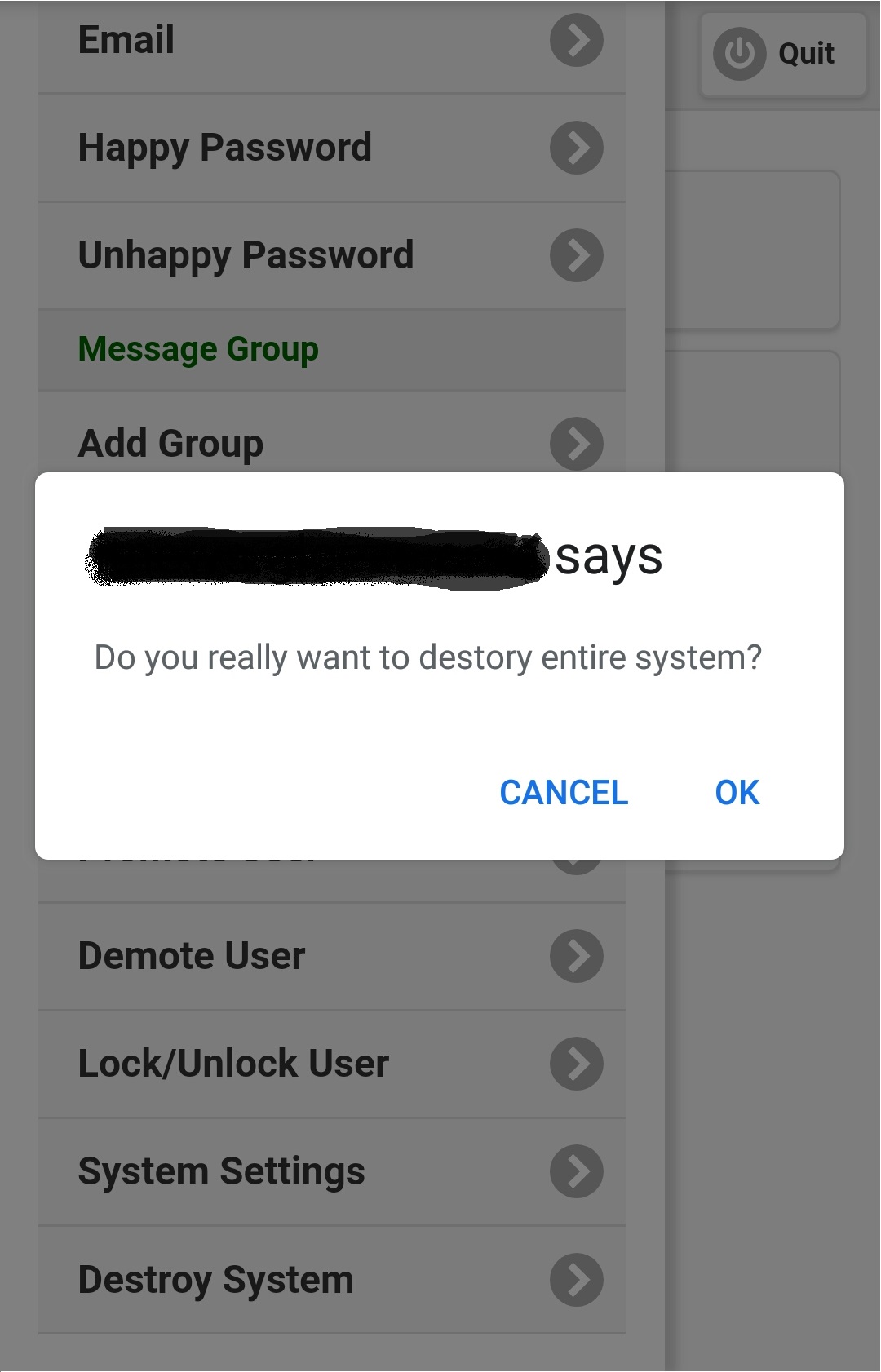
Figure 4.7.1
|
|
|