 |
 |
 |
I here assume you have already applied your Telegram bot successfully, so you have your bot's name, username and HTTP API token. To add Telegram bot data to SMS, select item 'System Settings' on main menu (figure 2.1.2), then click on the button 'Telegram Bot' (figure 4.6.1.1), screen like figure 4.6.6.1 will be displayed, then you can put related data of your Telegram bot into fields of figure 4.6.6.1. To save your Telegram bot data to SMS, click 'Save' button.
If you need to update your Telegram bot data, select item 'System Settings' on main menu, then click on the button 'Telegram Bot'. Your Telegram bot data will be shown on screen like figure 4.6.6.1. Just modify your data, and click 'Save' button to update your Telegram bot record on SMS.
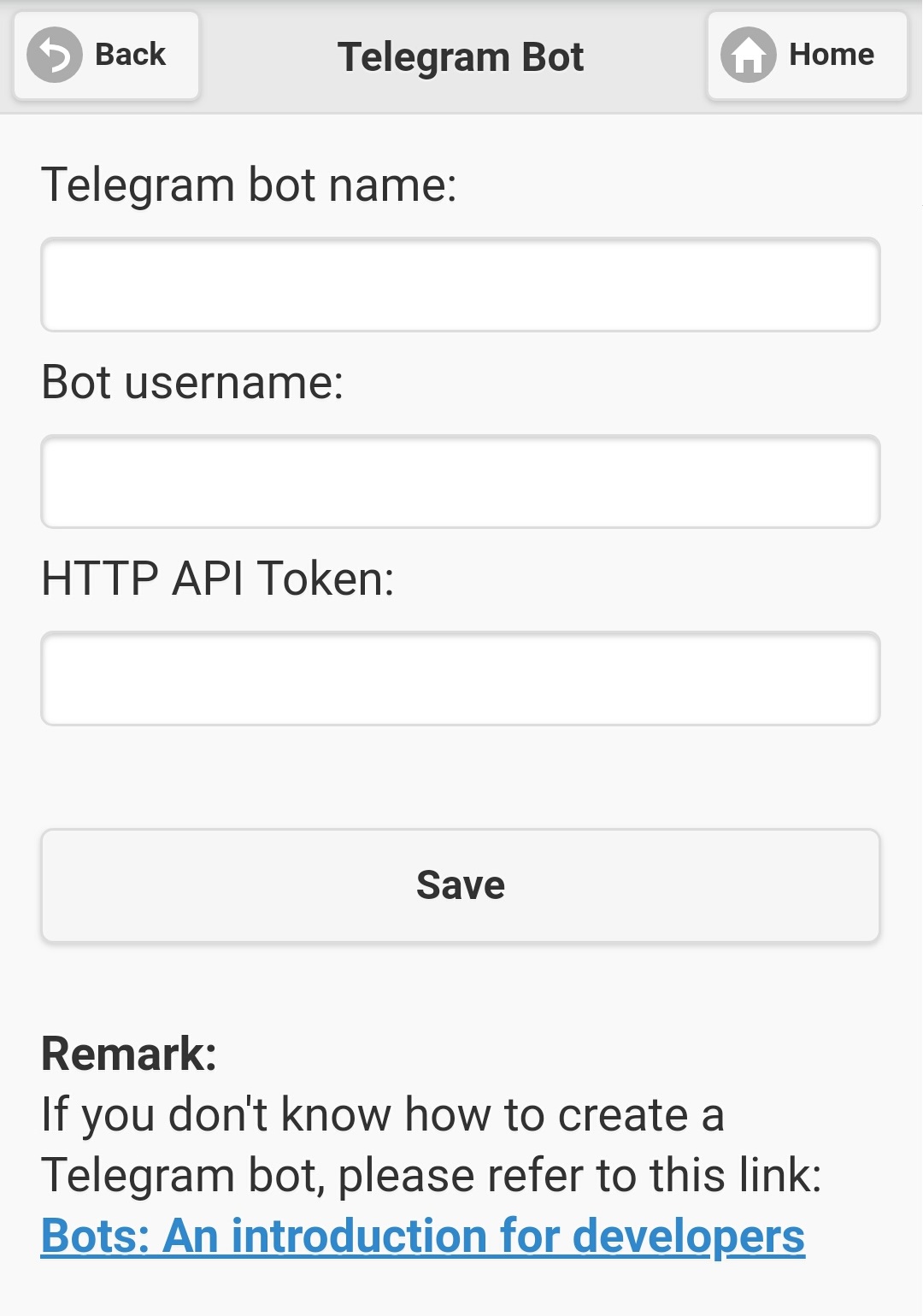
Figure 4.6.6.1
|
|
|