 |
 |
 |
To lock an user, select item 'Lock/Unlock user' on main menu (figure 2.1.2), then screen like figure 4.4.1 will be seen, which let you desire to lock or unlock an user. Select radio button 'Lock User', then click the 'Next' button. Figure 4.4.2 will be shown to let you select active user(s) to lock. Select the check-box in front of desired user's alias, and then click 'Save' button to lock selected user(s).
Locked user will be forced logout from the system immediately if he/she is still online, and he/she cannot login to SMS again. His/Her messages will be kept on the system, and also his/her message group profiles. i.e. He/she won't be kicked out from message group(s) he/she belongs to. However, all his/her messages will show that he/she is an inactived user as his/her alias colour is changed from red to grey.
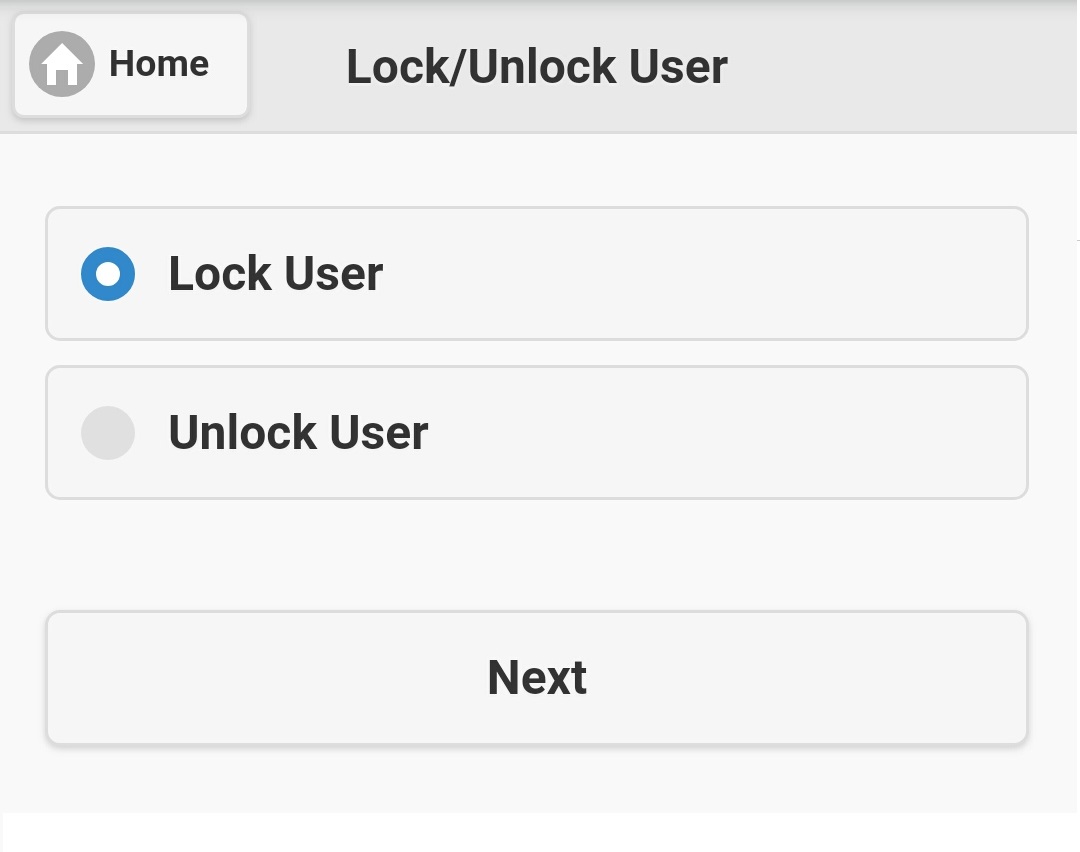
Figure 4.4.1
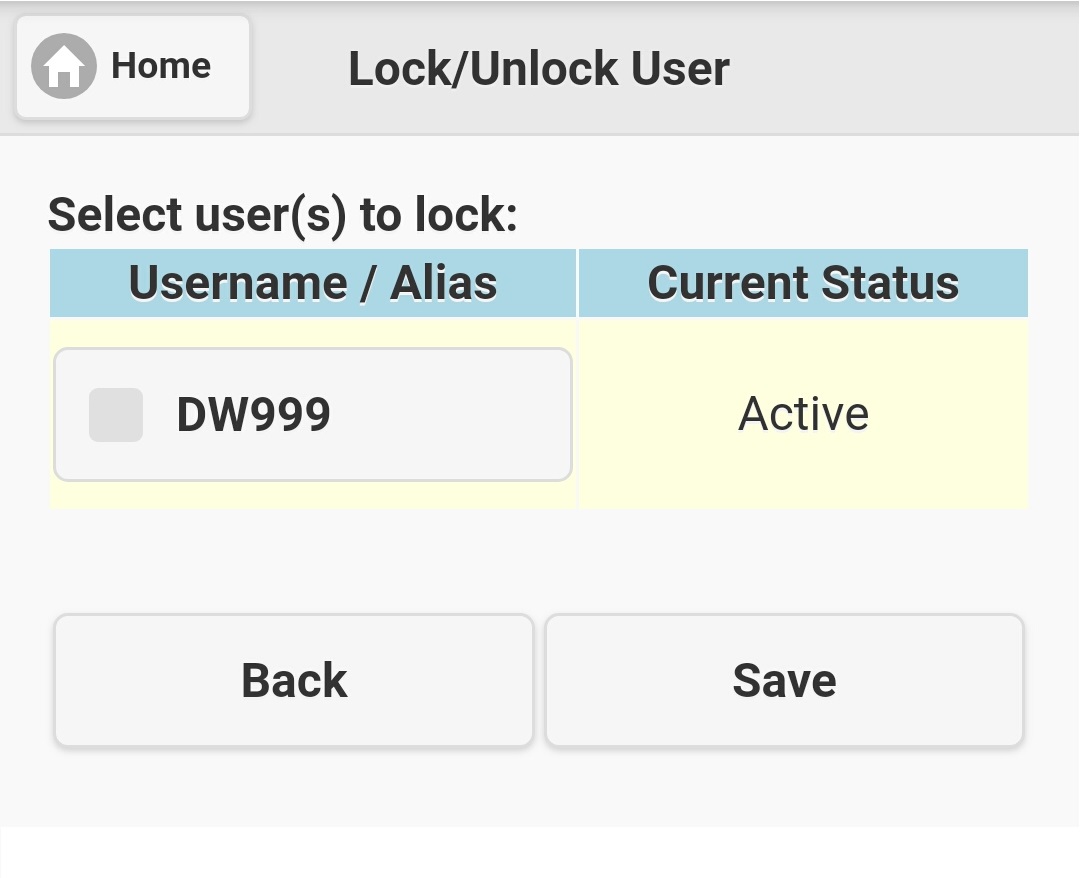
Figure 4.4.2
Please note that only appropriate users will be listed on figure 4.4.2. Therefore, if it has no any appropriate user available, the user list will be empty.
|
|
|