 |
 |
 |
Under main menu (figure 2.1.2), select item 'Promote user', then screen like figure 4.2.1 will be seen, which let you desire to promote user to trusted user or system administrator, then click the 'Next' button. Figure 4.2.2 will be shown to let you select appropriate user(s) for promotion. Select the check-box in front of desired user's alias, and then click 'Save' button to promote selected user(s).
Please note that only appropriate users will be listed on figure 4.2.2. Therefore, if it has no any appropriate user available, the user list will be empty.
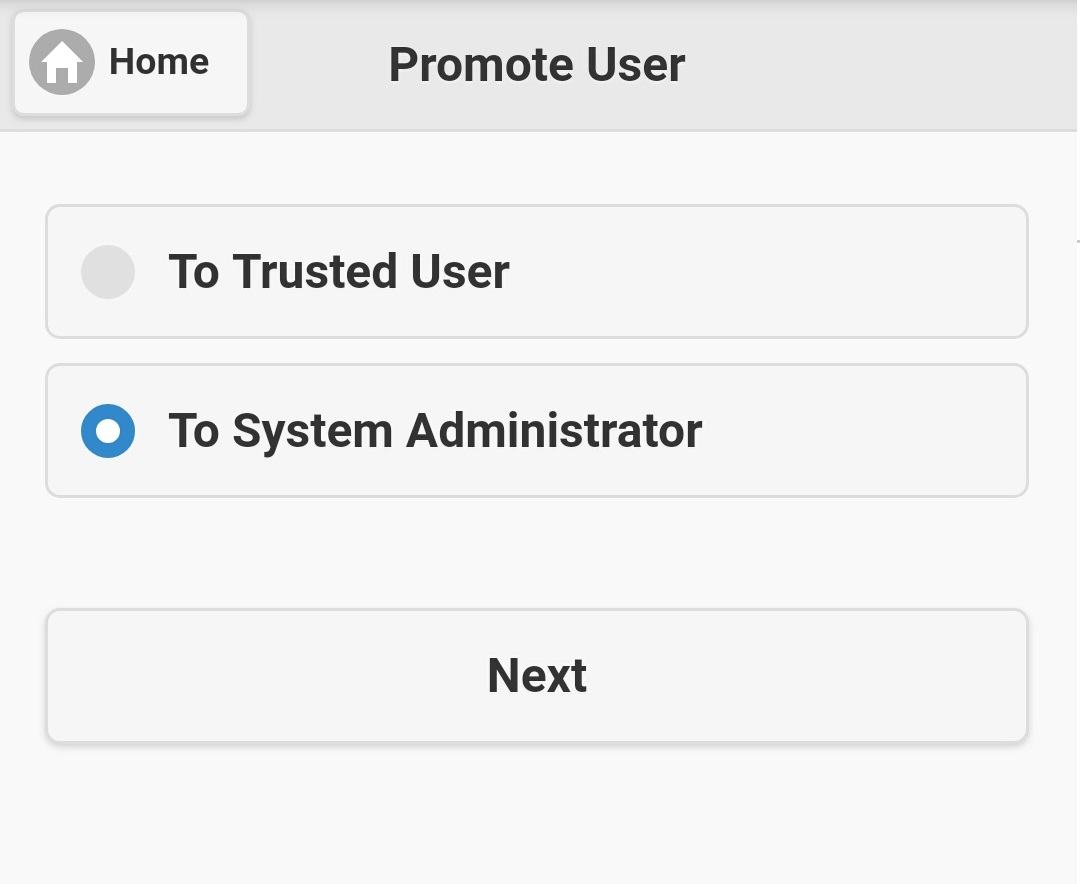
Figure 4.2.1
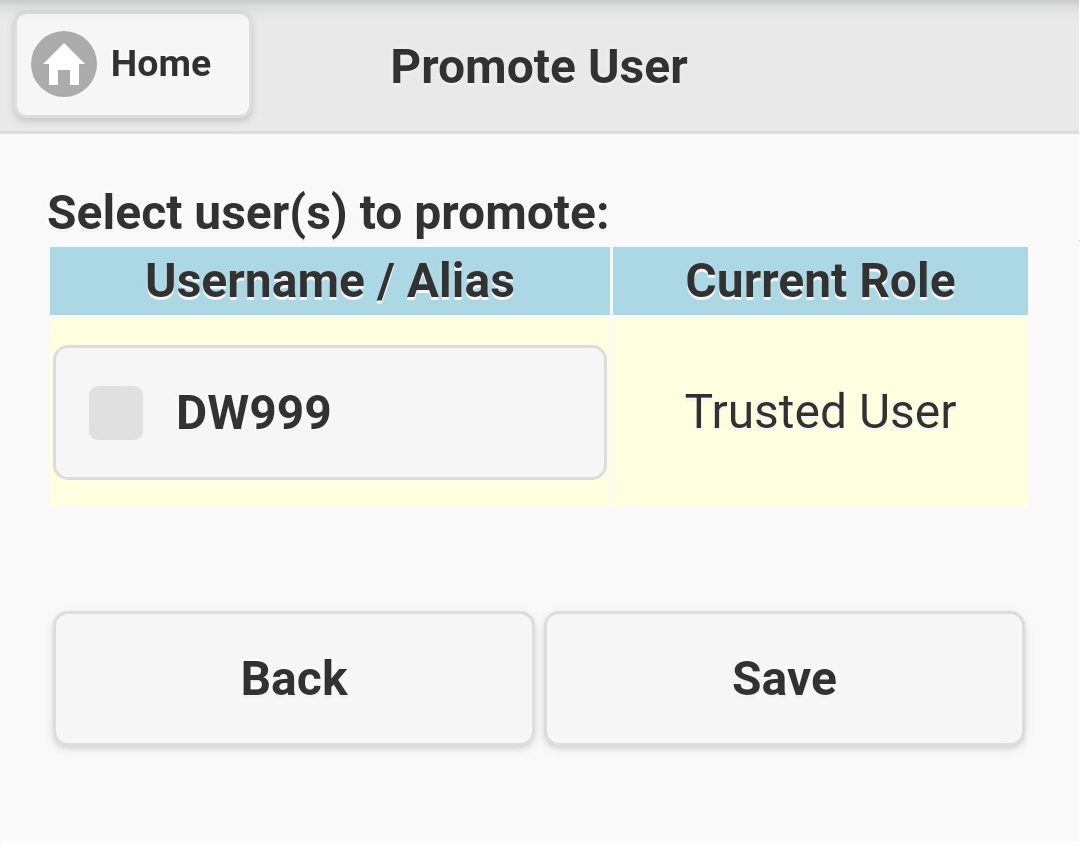
Figure 4.2.2
|
|
|