 |
 |
 |
Under main menu (figure 2.1.2), select item 'Delete Group', then screen like figure 4.1.1 will be seen to show you all message groups. Select the check-box in front of the message group name you want to delete, and then click the 'Delete' button to confirm message group deletion.
Please beware that message group name is not unique but group ID is. i.e. Same message group name may exist for different message groups. Therefore, as you desire to delete a message group, make sure you select the right one if it's group name is not unique.
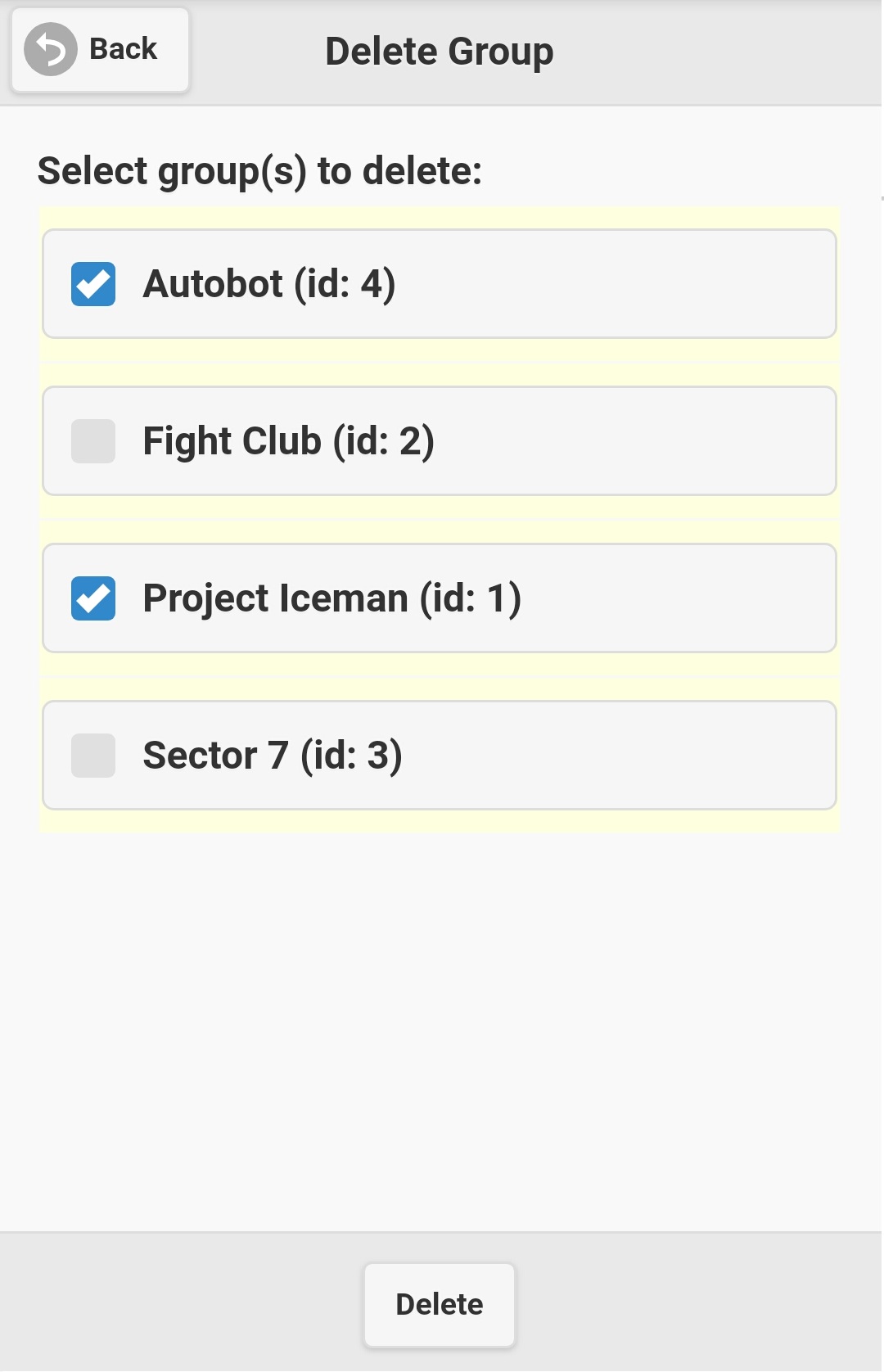
Figure 4.1.1
|
|
|