 |
 |
 |
Under group menu (figure 3.3.1 or figure 3.11.1), select item 'Delete Group', then screen like figure 3.12.1 will be seen. If you select 'OK' of dialog box shown on figure 3.12.1, then another dialog box will be displayed for you to make the finally decision. If you select 'OK' again, the SMS system will purge your current message group. All group messages and uploaded files will be deleted, message group profile will then be removed. All group members still stayed on the deleted message group will be switched to their home page automatically.
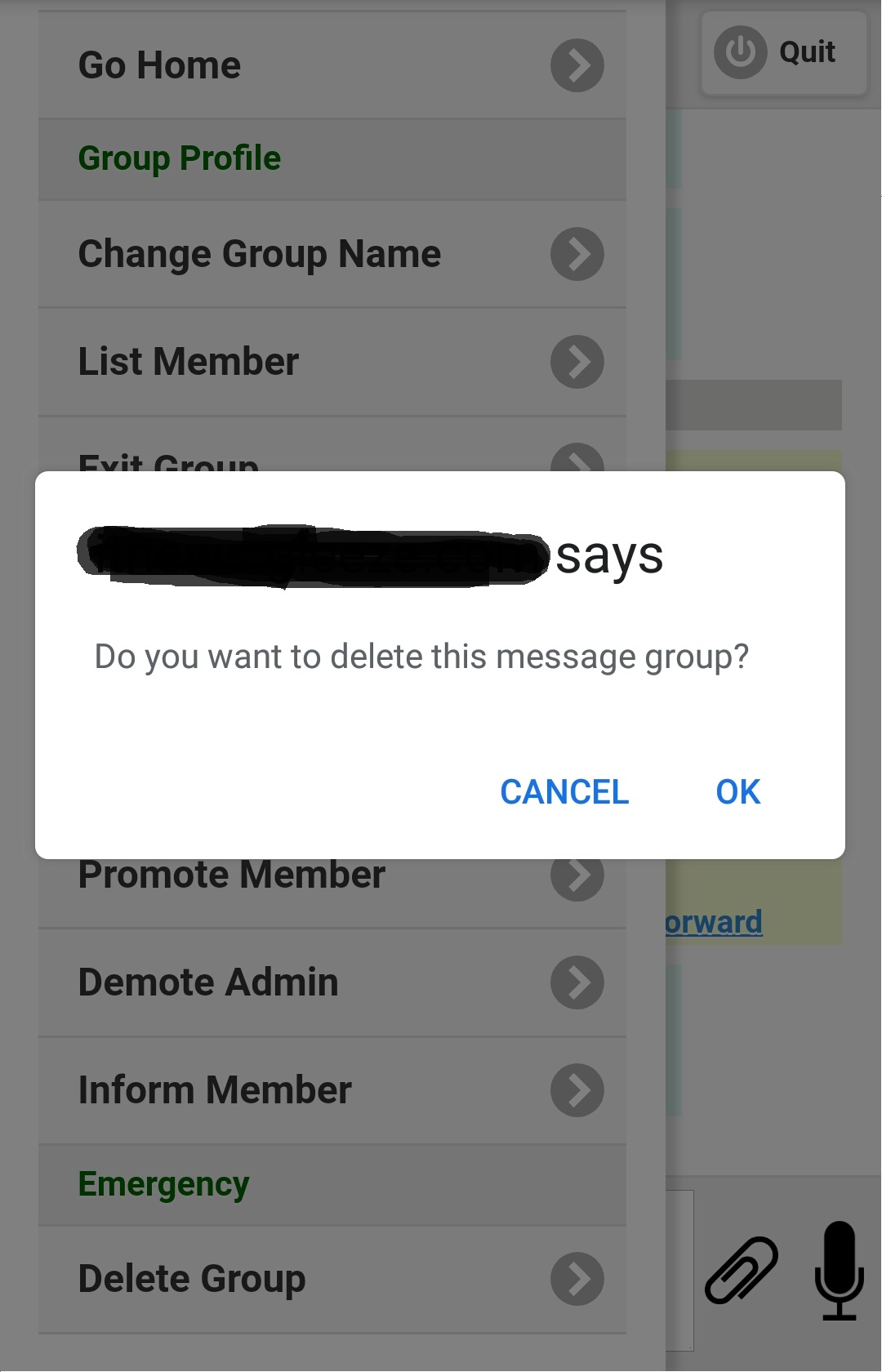
Figure 3.12.1
|
|
|