 |
 |
 |
To maintain system settings, select item 'System Settings' on main menu (figure 2.1.2), then screen like figure 4.6.1.1 will be seen, which let you choose which system settings you would like to maintain. To amend main sites of SMS, click on the button 'Main Sites', then screen like figure 4.6.1.2 will be displayed.
Start from SMS 2.0, decoy site and messaging site are pointed to same DNS name. You could still seperate them into two different DNS names, but it is not recommended. On figure 4.6.1.2, the first input field is for login (decoy) site DNS name, and the second input field is for the protected messaging site DNS name. If you want to change anyone of them, just input the most updated DNS name to appropriated field, and press the 'Save' button to update them. These DNS names are also related to the web server virtual hosts settings and then the SSL certificates. Therefore, if you change anyone of them, you need to amend web server settings accordingly, and then apply new SSL certificate(s) for amended virtual host(s).
Remarks:
| 1. | SMS 2.x web server configuration file is on "/etc/nginx/conf.d/sms-server.conf". |
| 2. | To apply a new SSL certificate, run "certbot --nginx" on super user mode. |
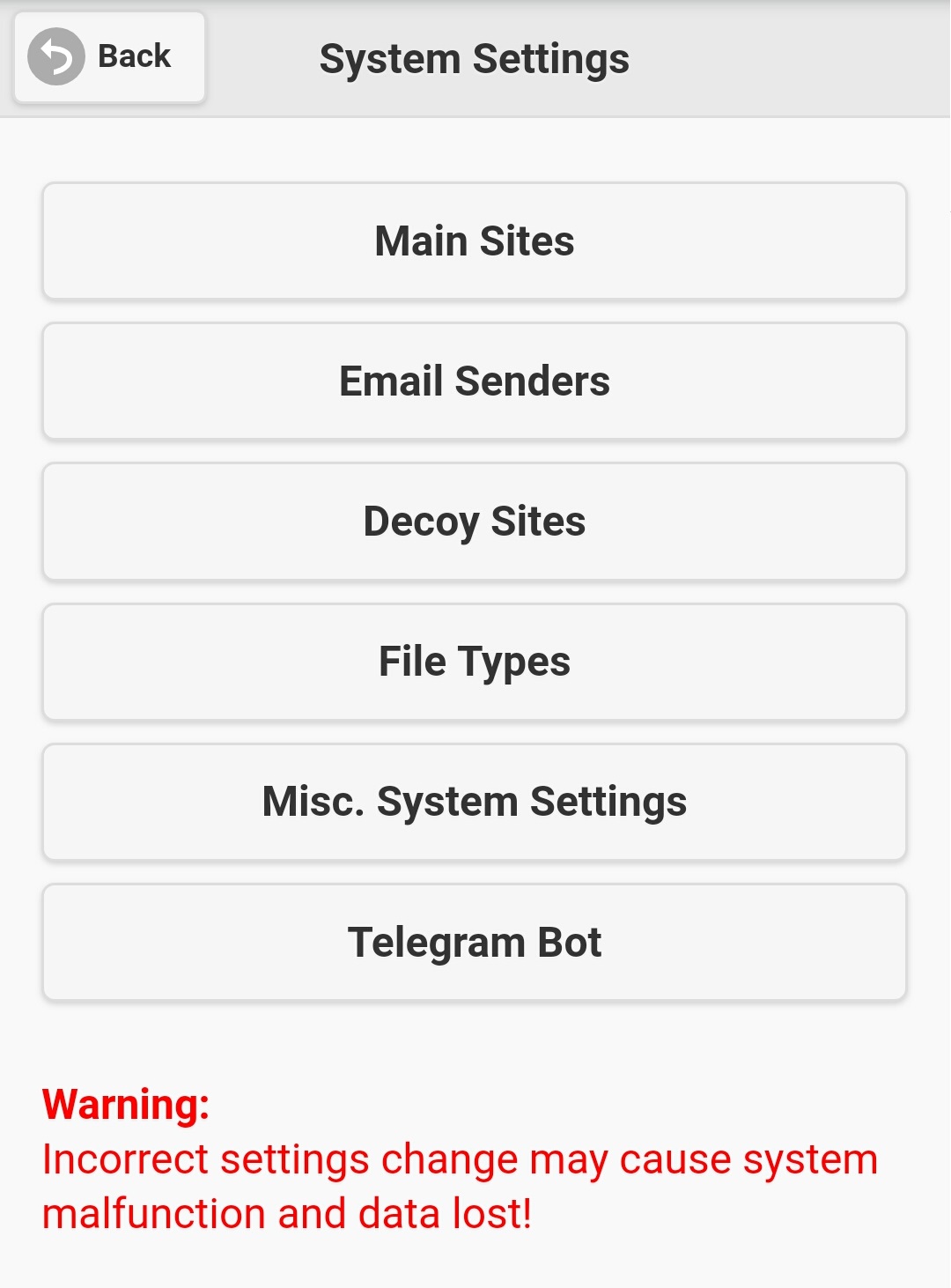
Figure 4.6.1.1
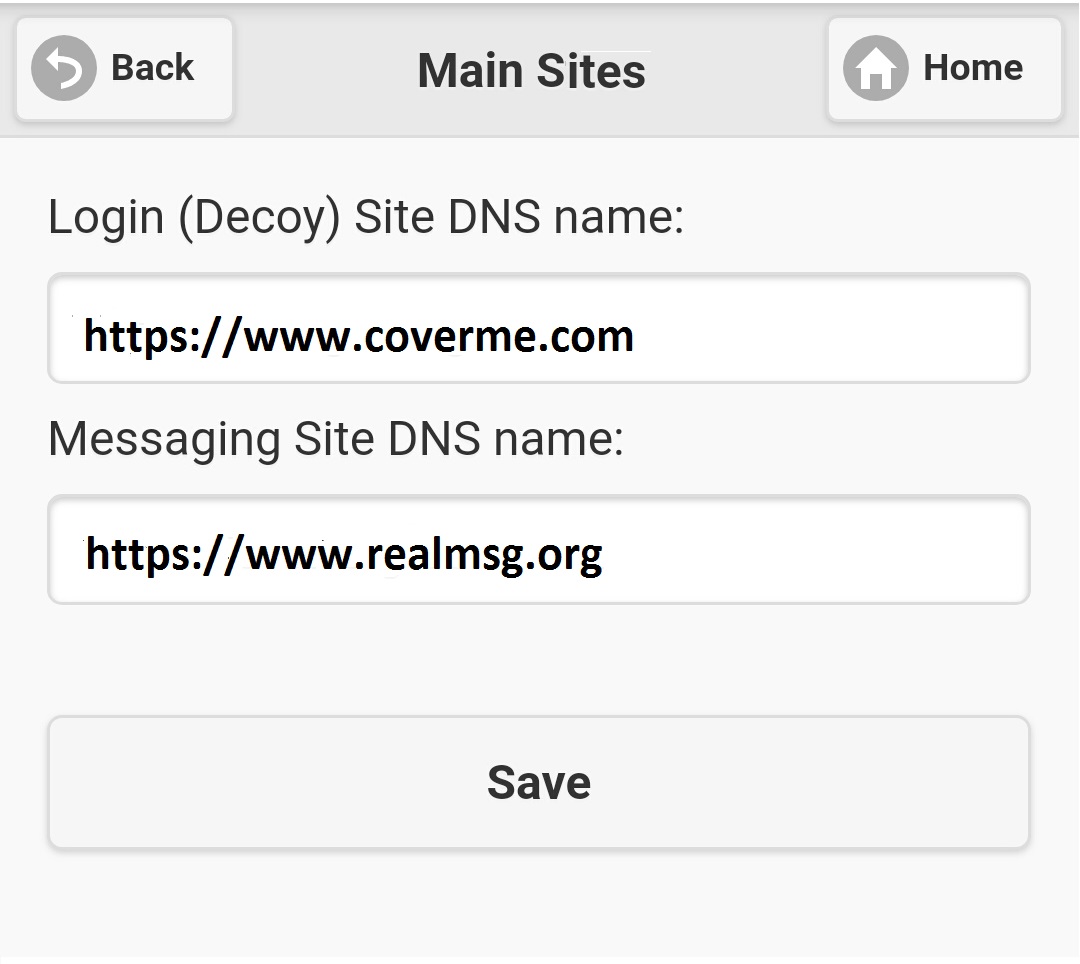
Figure 4.6.1.2
|
|
|