 |
 |
 |
| Key | Description |
| audio_converter |
Audio file converter used to convert audio input files to OGG audio file format. Default value is: /usr/bin/ffmpeg -i '{input file}' '{output file}' Please note that the system will replace {input file} with the name of the audio file which will be converted, and {output file} with the file name of resultant output file automatically. |
| decoy_company_name | Company name shown on login and 'join us' pages. |
| msg_block_size | Number of messages loaded initially and every time user click on 'Read More' button to load previous message. Default value is 30. |
| session_period | The period of web sesssion remain alive even an user doesn't do anything. Default value is '02:00:00' (2 hours). Note: it is time format of MariaDB. |
| connection_mode | The way to handle login and user creation process. Possible values are 0, 1, 2, and 3. Default value is 0. Please see section "1.2 Four connection modes of SMS" for more details. |
| old_msg_delete_days | Delete old messages in given days ago, default value is 14 days. |
| use_email_gateway |
It controls SMS sent out email directly or via a mail sending proxy server. Default value is 'FALSE'. If it is 'TRUE', you need to input
the URL of the mail sending proxy server, and the master password for exchange email data encryption. When your SMS server is blocked by
your worker email server (it happens occasionally), you may install mail sending proxy server in other domain to overcome this problem.
If you need more details for the mail sending proxy server, please check this URL: https://github.com/dw999/mpx-server |
| email_gateway | The URL of the mail sending proxy server, default value is blank. |
| master_passwd | The master password is used to encrypt and decrypt a one time used password, which is used to encrypt email data sent to the mail sending proxy server. Default value is blank. |
To maintain miscellaneous system settings, select item 'System Settings' on main menu (figure 2.1.2), then click on the button 'Misc. System Settings' (figure 4.6.1.1), screen like figure 4.6.5.1 will be displayed to show you the list of current miscellaneous system settings.
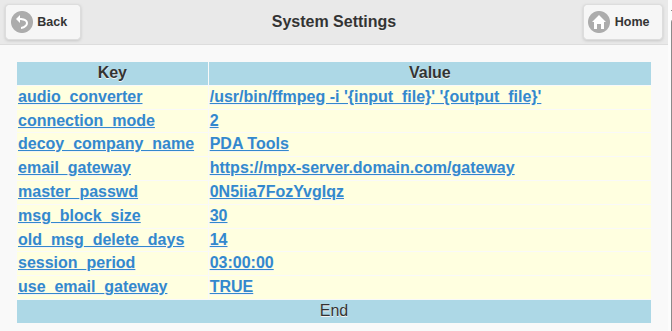
Figure 4.6.5.1
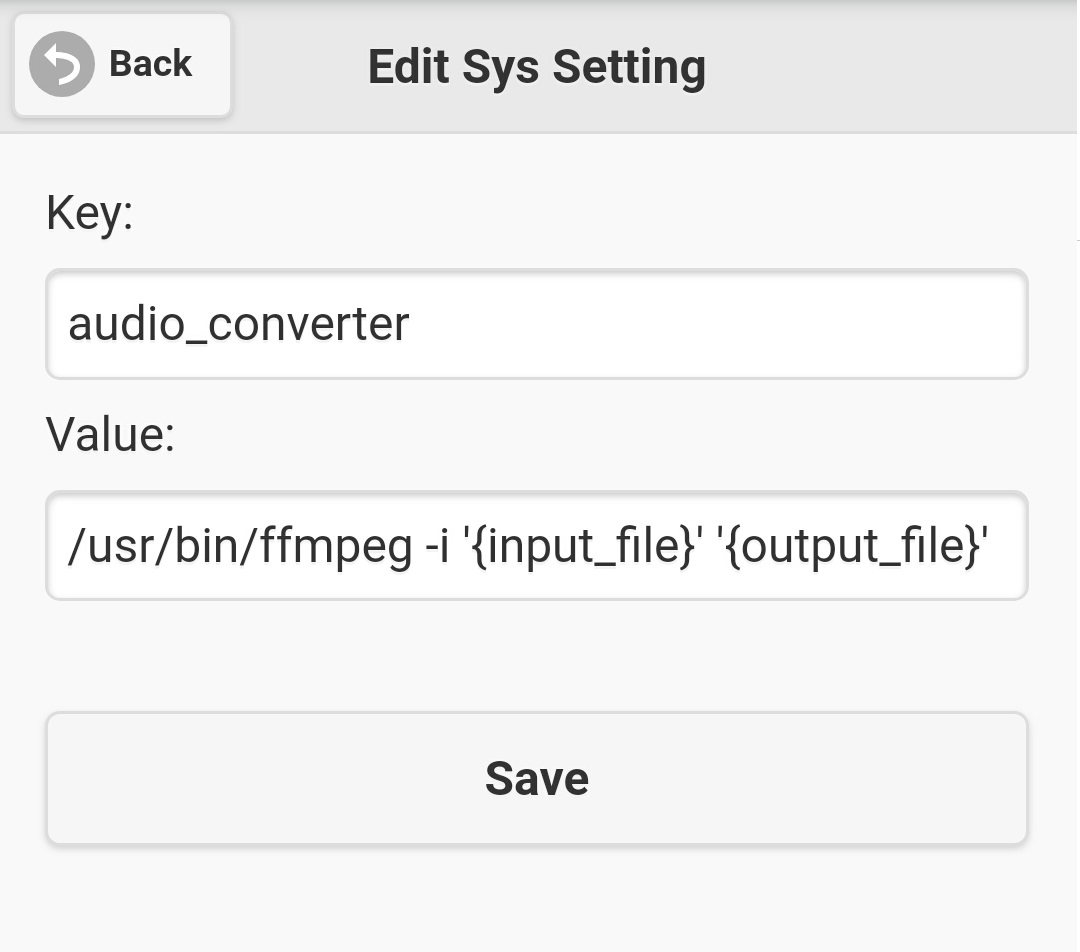
Figure 4.6.5.2
|
|
|